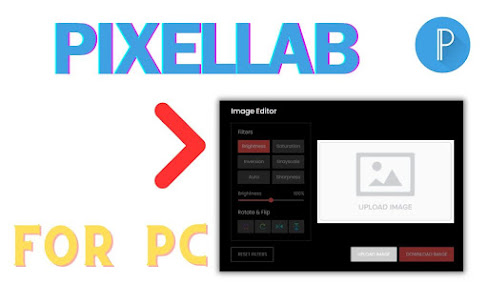
Easily edit images on your PC, Windows, and Mac with Pixellab. Filters, rotation, upload, and download features at your fingertips This is my extension features: ✔️Image Filters: With this feature, you can adjust the Brightness, Auto Clear, Saturation, Inversion, Grayscale, and Sharpness of your image. ✔️Rotate & Flip: With this, you can rotate the image. ✔️Upload Image: You can upload an image here for editing. ✔️Download Image: After editing, you can download the image. ✔️Easy To use ✔️Simple Extension Using this extension, you can easily edit images on your Pc,Windows and Mac.. ✅ How To Use Pixellab For Pc? Step 1: Start by adding this extension to your Chrome browser by clicking "Add to Chrome." Step 2: Next, click on the Extension icon. Step 3: You will see three tabs: "Image Filters" "Rotate & Flip" "Upload Image" "Download Image" Step 4: In the first tab you can see Image Filters. In the second tab, you can Rotate & ...
Comments
Post a Comment